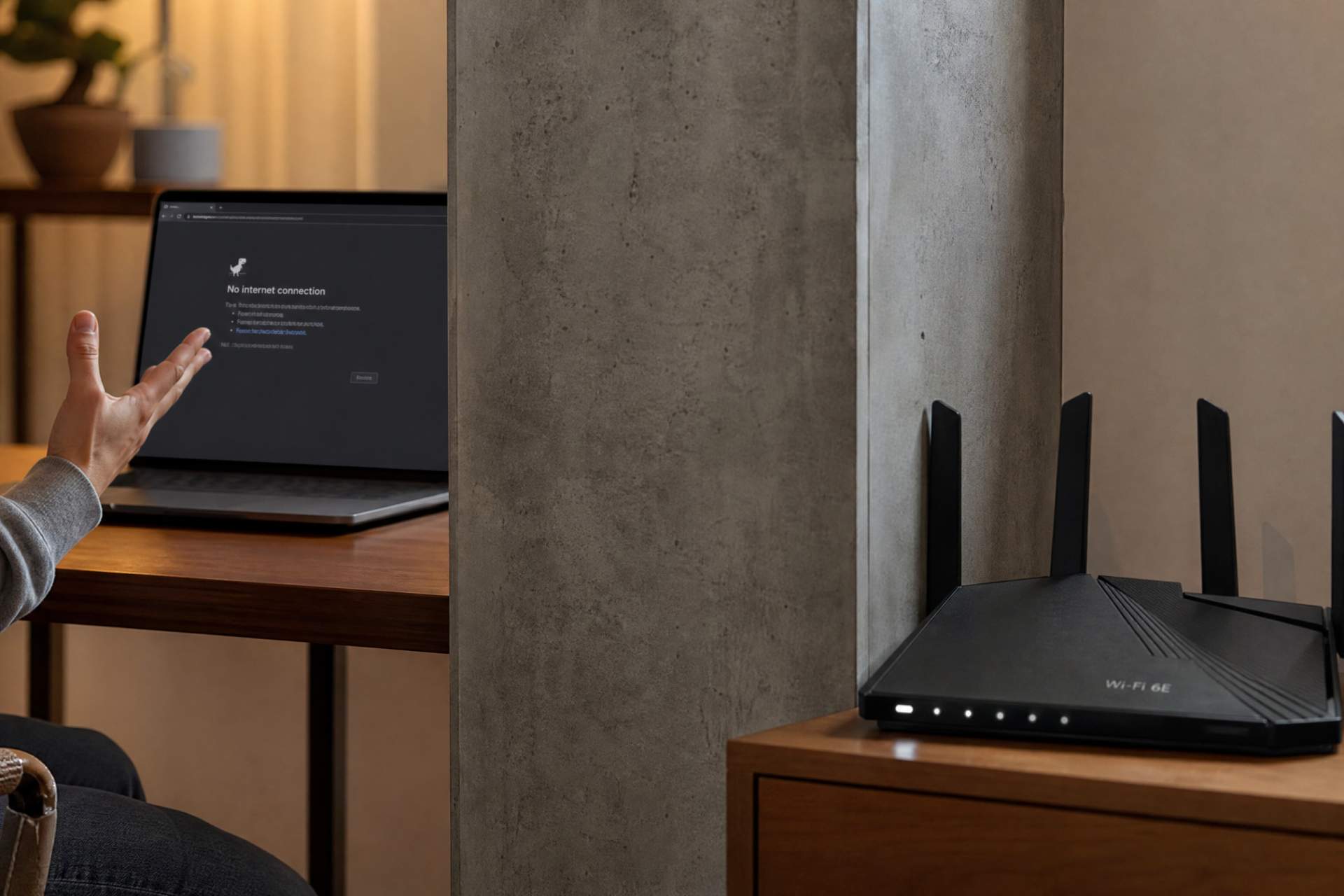
You've just shelled out good money for a shiny new Wi-Fi 6E router, right? The kind promising warp speed and seamless coverage for your entire digital life. You plugged it in, set it up, and probably felt a rush of optimism. Finally, those annoying video call freezes in the bedroom, or the interminable buffering of your favorite show in the home office, would be a thing of the past. Yet, here we are. The dead zones are still there, stubbornly refusing to vanish, and your smart devices are still playing hide-and-seek with the network. You're left staring at this high-tech gadget, wondering if you just bought an expensive paperweight.
Let’s be real. It’s frustrating to invest in cutting-edge tech, expecting a miracle, only to get the same old headaches. The common assumption is that the newer, more powerful the router, the stronger and farther its signal will magically reach. This, my friends, is where physics politely taps you on the shoulder and reminds you that it still runs the show. Your new Wi-Fi 6E beast, while packed with incredible technology, is facing an uphill battle against something far more mundane: your own home.
Think of it this way: You've bought a Ferrari. It's built for speed, precision, and performance. But if you try to drive it through a muddy field full of obstacles, you can’t blame the car for going slow. The environment matters. A lot. We often just swap out the old router for the new one, usually in the same convenient, often suboptimal, location – tucked away in a corner, behind a TV, or in a utility closet. That's like putting your Ferrari in a garage and expecting it to win a race.
One of the biggest culprits? Your home’s construction materials. Ever tried having a conversation through a thick concrete wall? Wi-Fi signals feel the same way. Concrete, brick, metal studs, even layers of plaster and insulation, are all signal attenuators. Where an open doorway might only reduce signal strength by 3-5dB, a load-bearing brick wall can zap 15-20dB or more. To put that in human terms, a theoretical 1 Gbps connection might drop to a paltry 50-100 Mbps, or even disconnect entirely, just two rooms away. Wi-Fi 6E, operating on the less congested 6GHz band, offers fantastic speed, but its higher frequency also means it's more susceptible to being blocked by these very materials than the older 2.4GHz band. It’s faster, but less of a wall-penetrator.
Then there’s the invisible battlefield of interference. Your neighbor’s Wi-Fi, microwaves zapping popcorn, cordless phones, Bluetooth devices, even some smart home gadgets – they all compete for airwaves, particularly on the 2.4GHz and 5GHz bands. While Wi-Fi 6E’s 6GHz band offers a cleaner spectrum, your devices might still be defaulting to the older, more crowded bands, especially if the 6GHz signal struggles to punch through obstacles. It’s like having a pristine new highway (6GHz) but all your traffic is still stuck on the old, congested roads (2.4/5GHz) because the on-ramp to the new highway is blocked.
So, how are you unknowingly making it worse? Primarily by ignoring basic physics and assuming brute force (a powerful router) will overcome all obstacles. Placing your router on the floor, in a cabinet, or crammed amongst other electronics can effectively choke its signal before it even leaves the room. Antennas pointing randomly, or being oriented horizontally when they should be vertical (or vice-versa, depending on your device’s internal antennas), can also degrade performance significantly. You're essentially hobbling your Ferrari before it even leaves the driveway.
Here’s the pragmatic truth for most modern homes: a single router, no matter how powerful or how "6E" it is, struggles to cover large, multi-story, or oddly shaped spaces effectively. This is precisely where Mesh Wi-Fi steps in, not as a product to upsell you, but as a genuine architectural solution. Imagine having several smaller, interconnected routers acting as one unified network, strategically placed to blanket your home. For a seamless experience, especially for demanding tasks like 4K streaming or large file transfers, linking these Mesh units with Ethernet cables (called "Ethernet backhaul") is the gold standard. It's like building dedicated express lanes between your Wi-Fi nodes, ensuring consistent, high-speed data flow rather than relying on weaker wireless links between them. For a three-story house or a sprawling ranch, a single router is a bicycle trying to win a marathon; a well-designed Mesh system with backhaul is a relay team with fresh legs at every stage.
The Wi-Fi 6E standard offers significant improvements in efficiency, capacity, and speed, especially in congested environments. It allows more devices to talk to the router simultaneously without slowing down, much like adding more lanes to a freeway. But if that freeway entrance is blocked by concrete walls or you're stuck in the wrong lane due to poor setup, all that potential speed and efficiency goes to waste. Before blaming the tech, take a critical look at your environment and how you’ve deployed your network. The goal isn't just about raw Mbps numbers; it's about reliable, consistent connectivity where you need it most.
Disclaimer: Mention of any brand or trademark is for identification only and does not imply partnership or endorsement