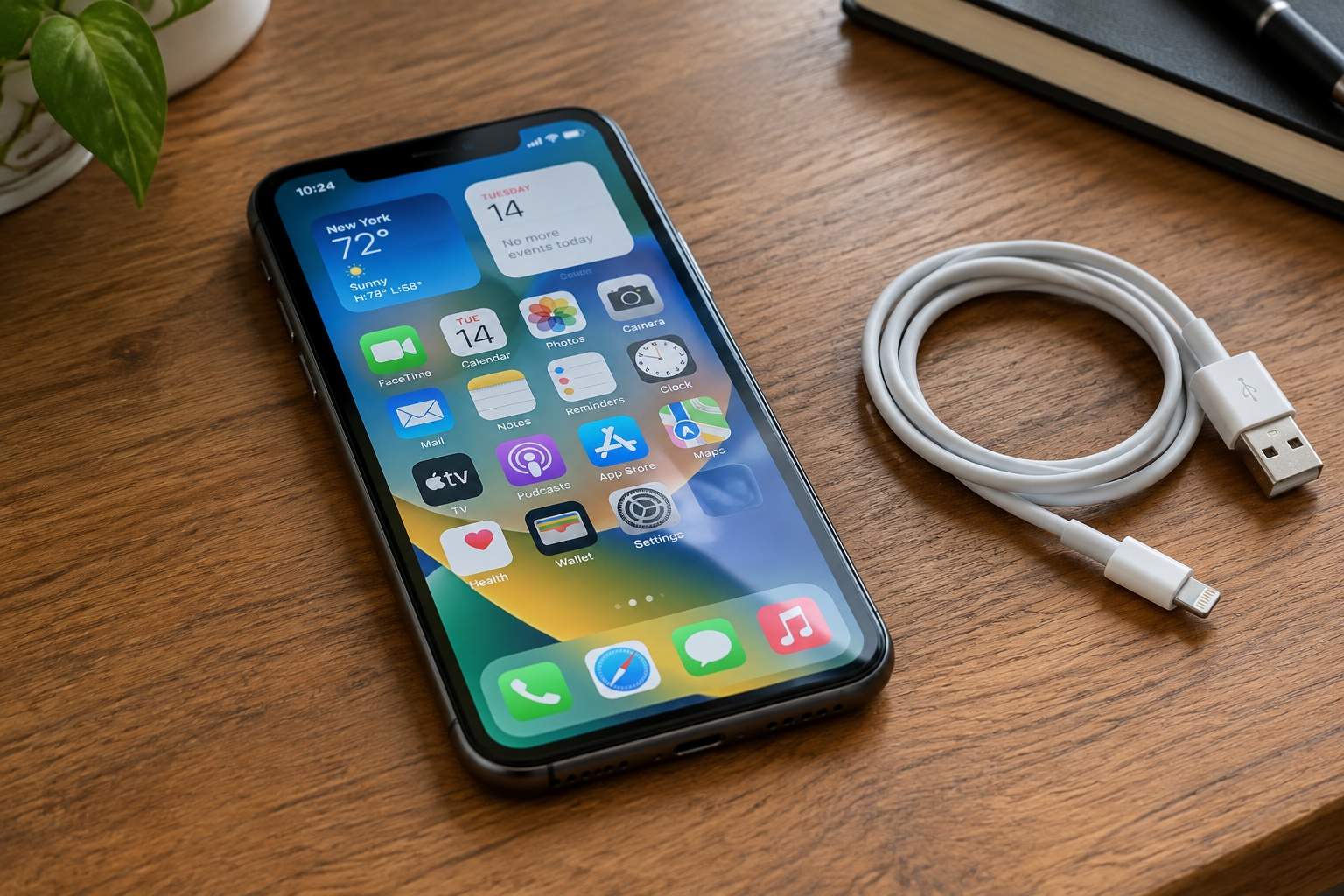
Ever felt that gut punch when your two-year-old phone stutters opening a simple app, or your three-year-old laptop freezes just because you dared to open a third browser tab? The immediate thought, usually whispered by clever marketing, is "It's old. It's obsolete. Time for an expensive new one." But hold on a minute, partner. Before you open your wallet, let's have a candid chat.
As someone who's spent years peering inside these little digital brains, I've seen countless folks fall into the upgrade trap, ditching perfectly capable devices. The widespread belief that your core processor, the brain of your device, just gets "tired" and slows down over a couple of years? That's often just noise in the signal. For most of us, that little chip is still doing Olympic-level mental gymnastics.
Think of it this way: a three-year-old car isn't suddenly unable to reach highway speeds because its engine is old. It might be dirty filters, worn tires, or just a trunk full of unnecessary junk. Digital devices are no different. The perceived slowdowns usually boil down to a few common culprits, not some fundamental flaw in the silicon that's suddenly decided to take a nap.
One of the biggest silent assassins is "software bloat." Every app you install, every file you download, every operating system update, it all adds weight. Your phone or laptop isn't just running your active tasks; it's juggling dozens of background processes, notifications, and cached data. A quick audit of unused apps and a thorough declutter can often feel like giving your device a second wind. For instance, that social media app hogging 500MB might be using more background resources than you realize.
Then there's the battery. On smartphones, especially, a degraded battery isn't just about shorter life; it actively throttles your device's performance. When a battery struggles to deliver consistent power, the device's operating system often reduces the CPU's maximum speed to prevent unexpected shutdowns. We've seen cases where a simple battery swap on a three-year-old smartphone made it feel like a brand new device, restoring up to 30% of its lost responsiveness in some benchmarks. This isn't just anecdotal; it's a measurable power delivery issue.
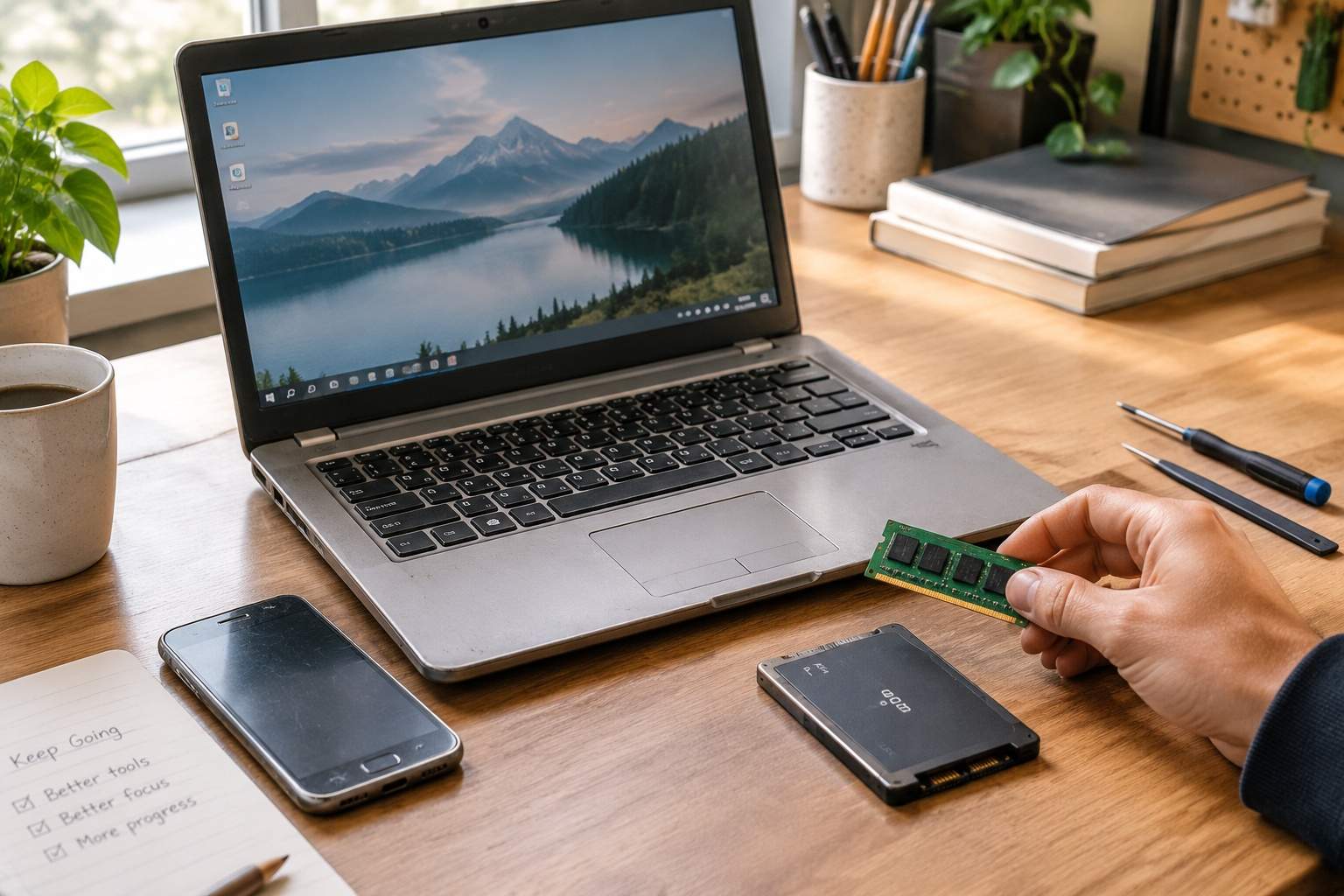
Perhaps the most impactful upgrade for older laptops is ditching the traditional spinning hard disk drive (HDD) for a Solid State Drive (SSD). If your machine still boots up with a whirring sound and takes minutes to get to the desktop, an SSD will feel like magic. While an HDD might offer sequential read speeds of 100-150 MB/s, even a budget SSD easily hits 500-550 MB/s, and often significantly more for random access. This translates to boot times dropping from 60+ seconds to 10-15 seconds, and applications launching instantly instead of with a noticeable delay. It's like replacing a dirt road with a superhighway for your data.
Another common bottleneck, particularly for multitasking, is insufficient RAM (Random Access Memory). If you're the kind of person who keeps 10-15 browser tabs open, jumps between email, a document, and a video call, 4GB of RAM will feel like a constant struggle. Upgrading from 4GB to 8GB, or even 16GB, on an older laptop can transform its ability to juggle tasks without grinding to a halt. While 4GB might be fine for basic browsing and email, opening a modern word processor, a few browser tabs, and a messaging app can quickly consume 6-7GB of memory, forcing your system to rely on slower virtual memory on your storage drive.
Now, don't get me wrong. For truly demanding tasks – professional video editing, cutting-edge 3D gaming, or complex scientific simulations – a newer, more powerful processor and graphics card absolutely make a difference. But for the 90% of us who are browsing, streaming, emailing, doing office work, and light creative tasks, your three-year-old device often has plenty of raw processing power left in the tank. The perceived "slowness" usually isn't the engine itself, but a clogged fuel line, a weak battery, or a bumpy road.
So, before you shell out for the latest and greatest, consider being an "efficiency mentor" to your own gadgets. A little detective work and a relatively inexpensive upgrade to RAM or storage, or a simple battery replacement, can save you hundreds, if not thousands, and keep your trusty tech humming along for years to come. It’s about making technology serve you better, not becoming a slave to the upgrade cycle.
Disclaimer: Mention of any brand or trademark is for identification only and does not imply partnership or endorsement