
You know the drill. That trusty phone or laptop, barely two years old, starts feeling... sluggish. Apps take a breath before opening, battery life seems to vanish faster than your weekend, and suddenly, every shiny new ad for "next-gen processors" makes your perfectly functional device feel like a fossil. The constant hum of "upgrade now!" from every corner of the internet begins to chip away at your confidence, making you eye that new purchase you can barely afford.
As someone who's spent years elbow-deep in circuit boards and supply chains, I'm here to tell you: often, that feeling of inadequacy is more about perception and clever marketing than a genuine decline in performance for your actual needs. We're consistently fed the idea that technology has a built-in expiration date of 1-2 years, demanding immediate upgrades. But for most of us, that's simply not true.
Let's talk CPUs, the "brains." For years, the annual performance leap felt like going from a bicycle to a rocket ship. Today? Not so much. A processor from, say, late 2019 or early 2020 might be theoretically 15-20% slower than its 2023 counterpart. But for browsing, email, word processing, streaming videos, or even light photo editing, that 15-20% translates to a fraction of a second difference in loading times – something you'd barely notice without a stopwatch. The biggest performance gains often come from multi-core improvements, which most everyday apps don't fully utilize anyway.
Next, RAM, or "working memory." Think of it as your device's workbench. A few years ago, 4GB was standard. Today, 8GB is the sweet spot for the vast majority of users, handling dozens of browser tabs, office suites, and communication apps without breaking a sweat. Unless you're routinely editing 4K video, running multiple virtual machines, or compiling massive codebases, jumping from 8GB to 16GB might feel like adding an extra large desk when your current one already has plenty of space.
The single biggest, most noticeable performance upgrade in the last decade wasn't a CPU or RAM bump; it was the switch from clunky spinning Hard Disk Drives (HDDs) to lightning-fast Solid State Drives (SSDs). If your device from 2-4 years ago already has an SSD, you've already experienced the revolution. Modern SSDs, even older SATA ones, still boot up operating systems and load applications far quicker than any HDD. The marginal speed increase from a newer NVMe SSD to an older one is often imperceptible for daily use.
Then there's the GPU, the "graphics muscle." For most people, the integrated graphics built into your CPU are more than enough for high-resolution video playback, video conferencing, and even casual gaming. Only dedicated gamers, professional video editors, or 3D artists genuinely need a discrete, powerful GPU. If you're not rendering complex scenes or running the latest AAA games at ultra settings, your device's graphics prowess from a few years back is likely perfectly adequate.
So, if it's not the core hardware, what's making your device feel slow? Often, it's software bloat – too many apps running in the background, a cluttered hard drive, or an OS that's bogged down by accumulated digital debris. Another major factor for smartphones and laptops is battery degradation. A two-year-old battery might hold only 70-80% of its original charge, leading to faster draining and sometimes even performance throttling to conserve power. This feels like a "slow device" but is often a "tired battery."
Knowing when to upgrade is about assessing your pain points. Keeping your device saves money and reduces e-waste, often performing well enough for current needs. However, older batteries and potential security update gaps can eventually become issues. Upgrading offers cutting-edge performance for specific professional tasks (e.g., 8K video editing), new security features, or better battery life. But it comes with significant cost and environmental impact, often delivering marginal real-world benefit for general use.
Consider a sales professional constantly on the road. A two-year-old laptop with an i5 processor, 8GB RAM, and an SSD is still a phenomenal workhorse for presentations, CRM, and video calls. Its sturdy build and familiar keyboard often outweigh any marginal speed boost from a new model. The original "thin and light" design still greatly reduces shoulder strain. The 1080p screen is perfectly sharp for documents. The only real pain point might be battery life, which an affordable battery replacement could fix. Conversely, an architect using CAD software might genuinely benefit from a new machine with a dedicated GPU and 32GB RAM if their older model causes frustrating lag on complex renders. This is a need, not just a want.
Modern digital equipment, especially well-built laptops and higher-end smartphones, are designed for longevity far beyond the perceived 1-2 year "upgrade cycle." Good industrial design means a device from 2021 might look and feel almost identical to a 2023 model, boasting similar screen quality, robust build materials, and comfortable interfaces. Their actual performance, for the tasks most people do daily, has flattened. Think of it: most devices still offer USB-C, Wi-Fi 6, and crisp displays that haven't fundamentally changed.
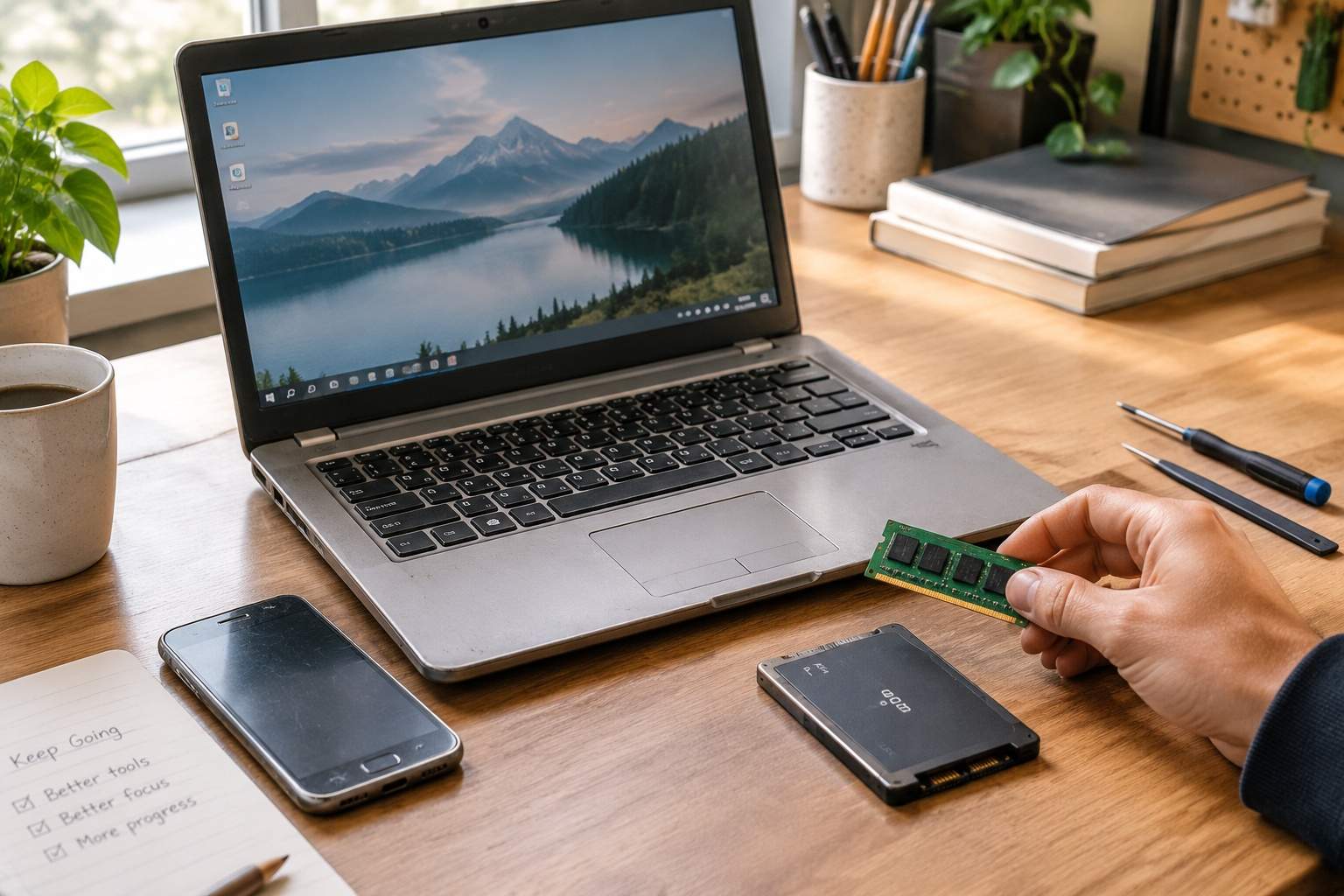
Before succumbing to the marketing siren song, ask yourself: What specific task is actually slow? Is it truly the processor, or is it a dying battery, a lack of storage, or too much digital clutter? Often, a simple software cleanup, a fresh battery, or an affordable RAM upgrade (if applicable) can breathe new life into your "obsolete" device, saving you hundreds or thousands. Let technology serve your needs, not the other way around. Be the master of your digital tools, not a perpetual consumer of the next shiny object.
Disclaimer: Mention of any brand or trademark is for identification only and does not imply partnership or endorsement