Your trusty laptop, once a digital gazelle, now feels like it’s running through molasses. Tabs freeze mid-video call, YouTube stutters like a broken record, and opening a few apps makes it sound like a jet taking off. The immediate chorus from tech gurus? "You need a new machine! Latest Intel i7! Apple M-series!" Your wallet, however, lets out a long, suffering sigh. Here’s a little secret from someone who's spent decades elbow-deep in circuits and supply chains: for most of us, that advice is a colossal waste of good money.
The tech world loves to push the shiny new CPU as the be-all and end-all of speed. It’s like being told you need a brand-new sports car just because your current sedan feels slow. But what if your "slow" isn't about horsepower, but about constantly being stuck in traffic? For 80% of daily tasks – browsing, emails, spreadsheets, video streaming, light photo editing – your existing processor probably has plenty of grunt. The real bottleneck, the traffic jam holding everything back, is usually far simpler and cheaper to fix.
Imagine trying to retrieve a book from a massive library. If you have to walk across town, locate a specific shelf, then meticulously search page by page, that’s going to take a while, right? That’s your old-school Hard Disk Drive (HDD) at work. These mechanical marvels from the last century are cheap, but they access data by physically spinning platters and moving read/write heads. This takes time, precious seconds that add up to minutes of frustration every day.
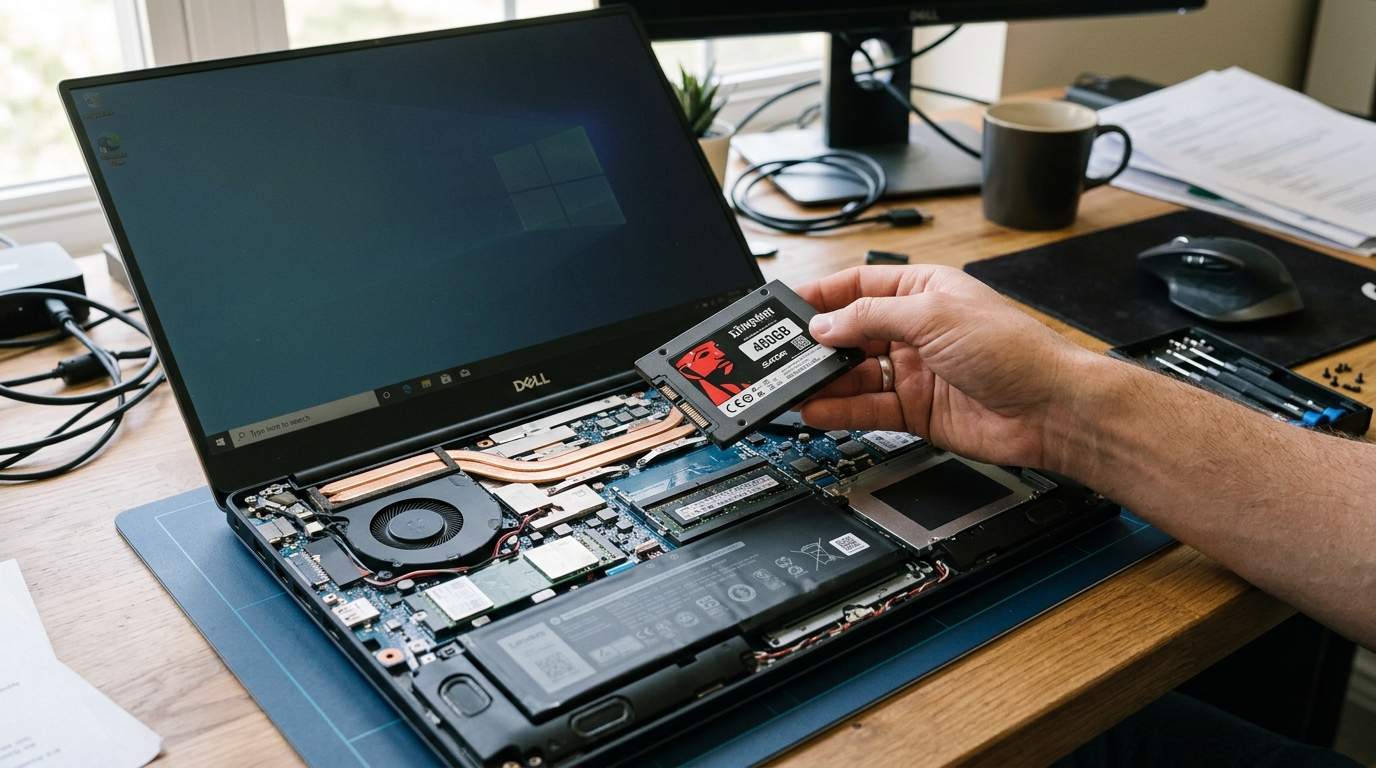
Now, imagine that same book is instantly beamed to you the moment you think of it. That’s a Solid State Drive (SSD). No moving parts, just pure electronic speed. The difference is night and day. We're talking booting Windows in 10-20 seconds instead of a minute or two. Applications like your browser or Word? They pop open almost instantly. Think of saving 30-60 seconds every time you turn on your computer, and another 5-10 seconds every time you launch a major app. Over a year, that’s hours of your life given back, not to mention a colossal reduction in stress.
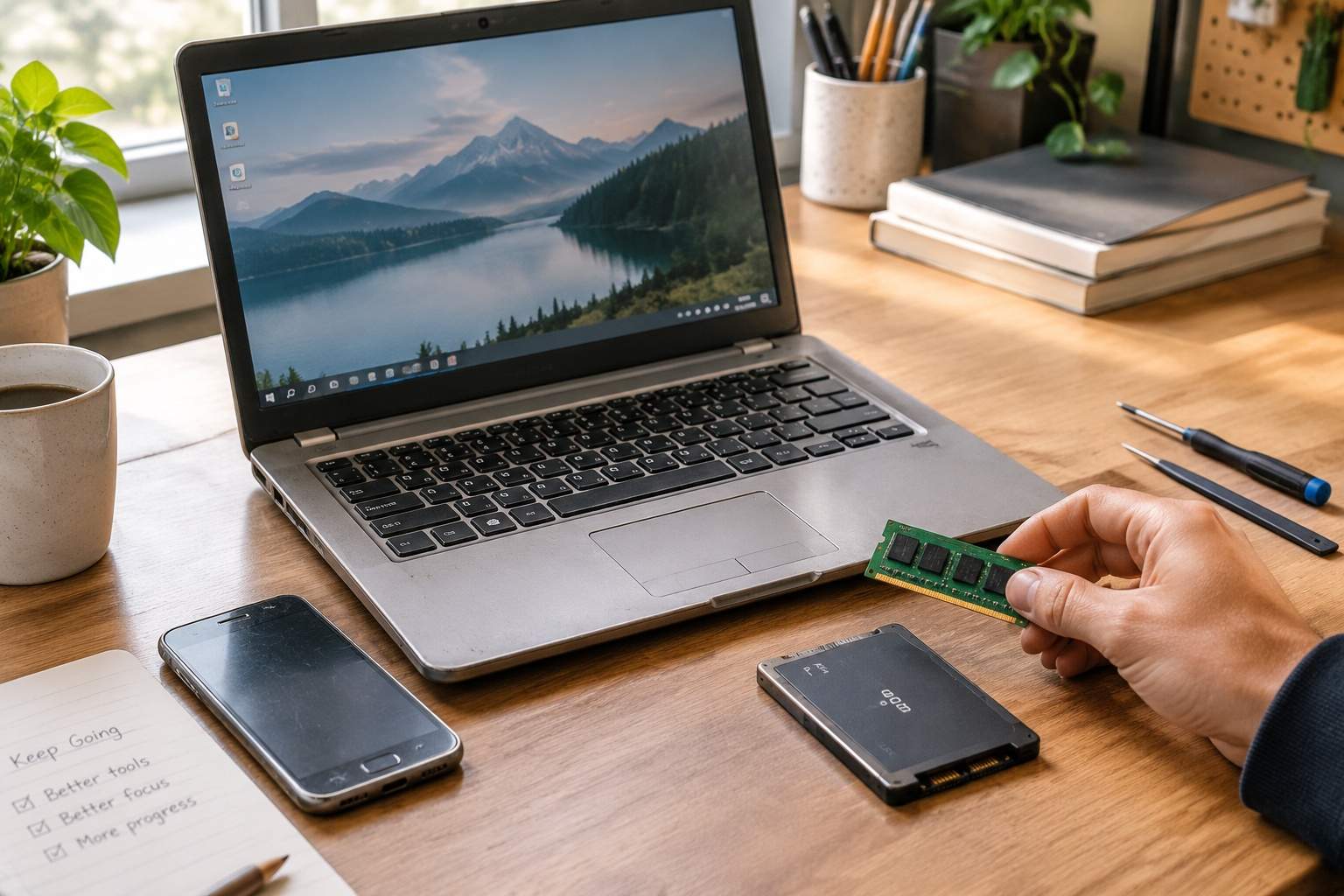
But it’s not just about the drive. Think of your computer’s RAM (Random Access Memory) as your desk space. If you only have a tiny notepad, you can only work on one thing at a time. If you open too many programs or browser tabs, your computer has to constantly swap data between that tiny "desk" and the slower storage drive. This is called "paging," and it’s a performance killer, especially if that slower storage is an old HDD. More RAM means more "desk space," allowing you to juggle multiple tasks smoothly without your laptop gasping for air.
Here’s the kicker: A decent 250GB SSD can often be found for $30-$50. An 8GB RAM stick (if you’re upgrading from 4GB or less) might set you back another $25-$40. We’re talking about a sub-$100 investment that transforms your machine from a laggard into a reliable workhorse. Compare that to the hundreds, if not thousands, you’d spend on a new laptop, only to get marginal real-world speed gains for everyday tasks.
So, who is this magical upgrade for? It's for the student juggling research papers and Zoom calls. It's for the remote worker struggling with frozen screens during presentations. It's for anyone who uses their laptop for browsing, office apps, streaming, or light creative tasks and feels bogged down. This isn't for hardcore gamers or professional video editors who truly push CPUs to their limits – they might actually benefit from a new processor. But for everyone else, it’s like replacing worn-out tires on a perfectly good car.
The beauty of SSDs and RAM is their industrial design: they’re compact, standardized, and surprisingly simple to install in most laptops (a quick YouTube search for your specific model usually provides a step-by-step guide). They don't change the look or feel of your machine, but they fundamentally alter its responsiveness and speed. There are almost no downsides, other than the brief time it takes for installation.
In essence, don't let marketing hype dictate your spending. Your old laptop likely has plenty of brains; it just needs faster hands and a bigger desk. Invest wisely, focus on the true bottlenecks, and watch your "slow" computer spring back to life. You’ll not only save a stack of cash but also get back to what technology should always be about: serving you efficiently, not draining your wallet or your patience.
Disclaimer: Mention of any brand or trademark is for identification only and does not imply partnership or endorsement