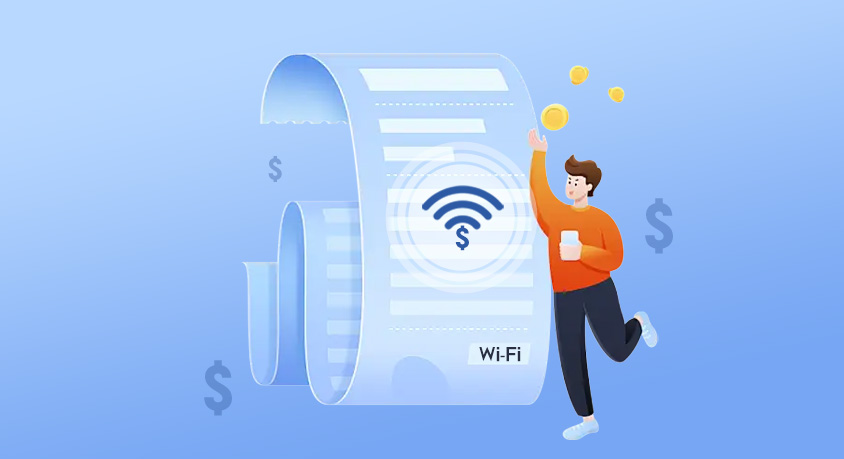
We’ve all been there: you open your internet bill, squint at the number, and think, “Did they really just charge me $75 for something I could’ve sworn was $50 last year?” ISPs love to sneak in price hikes, add hidden fees, or sell you speeds you’ll never use—all while banking on the fact that most of us will just grumble and hit “pay now.” But here’s the tea: the average household overpays $18-$25 monthly on the internet, according to a 2024 FCC report, and that’s not chump change. Over a year, that’s enough for a new pair of wireless earbuds, a few months of your favorite streaming service, or even a weekend getaway. The good news? You don’t need a tech degree to fix this—just a little time, a pen, and the confidence to call your provider and ask for a better deal.
Let’s start with the biggest waste of cash: paying for speeds you don’t use. ISPs love to push “gigabit” plans like they’re essential, but do you actually need 1,000 Mbps? Let’s break it down with a no-bull “speed calculator” you can do in your head. First, count how many devices are online at the same time during peak hours (think: 7-10 PM when everyone’s streaming, gaming, or Zooming). Then, match that to your main activities: streaming Netflix or Hulu in HD needs 5-10 Mbps per device, 4K needs 25 Mbps, online gaming needs 10-25 Mbps, and video calls need 5-10 Mbps. So if you’re a family of 3 with 2 phones, 1 laptop, and a smart TV all going at once? You’re looking at 50-75 Mbps max—not 300. A 2023 Consumer Reports survey found 62% of households with gigabit plans use less than 200 Mbps daily. That means they’re throwing away $20-$30 monthly for speed that’s just sitting there, like buying a sports car to drive to the grocery store.
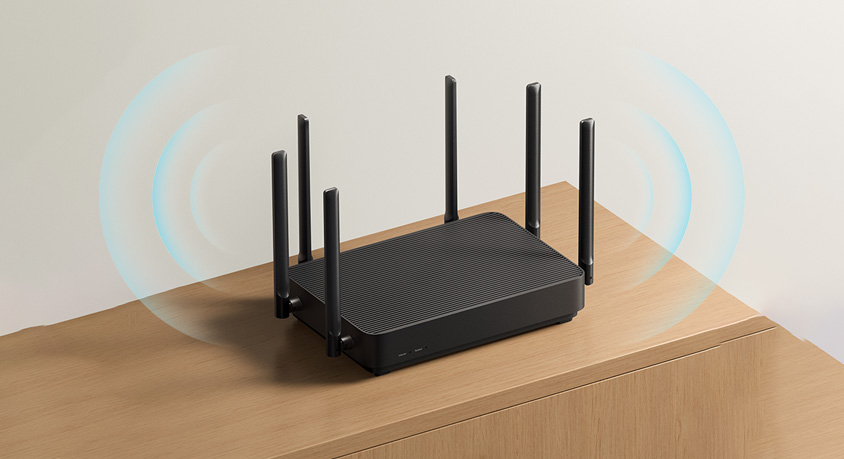
Next, let’s hunt for hidden fees—the ISP version of finding loose change in your couch, but in reverse. The most common culprit? Equipment rental fees. Most providers charge $10-$15 monthly to “rent” a router or modem, but you can buy a compatible one for $50-$100 upfront. Do the math: renting costs $120-$180 a year, while buying pays for itself in 6 months. Then there are the “service fees” or “administrative charges”—fancy words for “we’re charging you extra for no reason.” Call your provider and ask to have these removed; 41% of users who did this successfully got at least one fee waived, per a recent BroadbandNow study. Also, check for “premium” add-ons you didn’t ask for: things like “advanced security” (you can get free antivirus software online) or “cloud storage” (use Google Drive or Dropbox instead). These tiny $5-$8 charges add up fast, and ISPs know most people won’t notice them on the bill.
Now, the fun part: negotiating with your ISP. This isn’t rocket science—just a little confidence and a few key lines. First, do your homework: check what competitors in your area are offering. If a rival has 100 Mbps for $45, that’s your leverage. Call your provider and say something like: “I’ve been a customer for 2 years, and I love your service, but I just saw [Competitor] is offering 100 Mbps for $45. I’d hate to switch, but my budget is tight—can you match that or give me a better deal?” Most ISPs will fold because they’d rather keep you at a lower price than lose you entirely. If they say no, mention canceling—this is where they’ll often pull out “retention offers” like a 12-month discount or free speed boost. A 2024 survey by U.S. News found 68% of customers who negotiated their internet bill got a lower rate, with an average monthly savings of $17. Pro tip: don’t accept “temporary” discounts that expire in 6 months—push for a 12-month deal so you don’t have to renegotiate right away.
Once you’ve trimmed the fat, keep an eye on your bill to make sure ISPs don’t sneak those fees back in. Set a calendar reminder every 6 months to check your speed and compare it to what you’re paying for. If your speed is consistently lower than your plan, call and complain—they might send a technician to fix it, or give you a discount for the inconvenience. Also, invest in a few small tools to get the most out of your plan: a Wi-Fi signal booster ($30-$50) fixes dead spots so you don’t need to upgrade speeds, a Cat 6 Ethernet cable ($15-$20) gives faster, more stable connections for gaming or streaming, and a smart plug with data monitoring ($25-$35) lets you track which devices are using the most internet—so you can tell your teen to stop streaming TikTok while you’re working.
Disclaimer: Mention of any brand or trademark is for identification only and does not imply partnership or endorsement