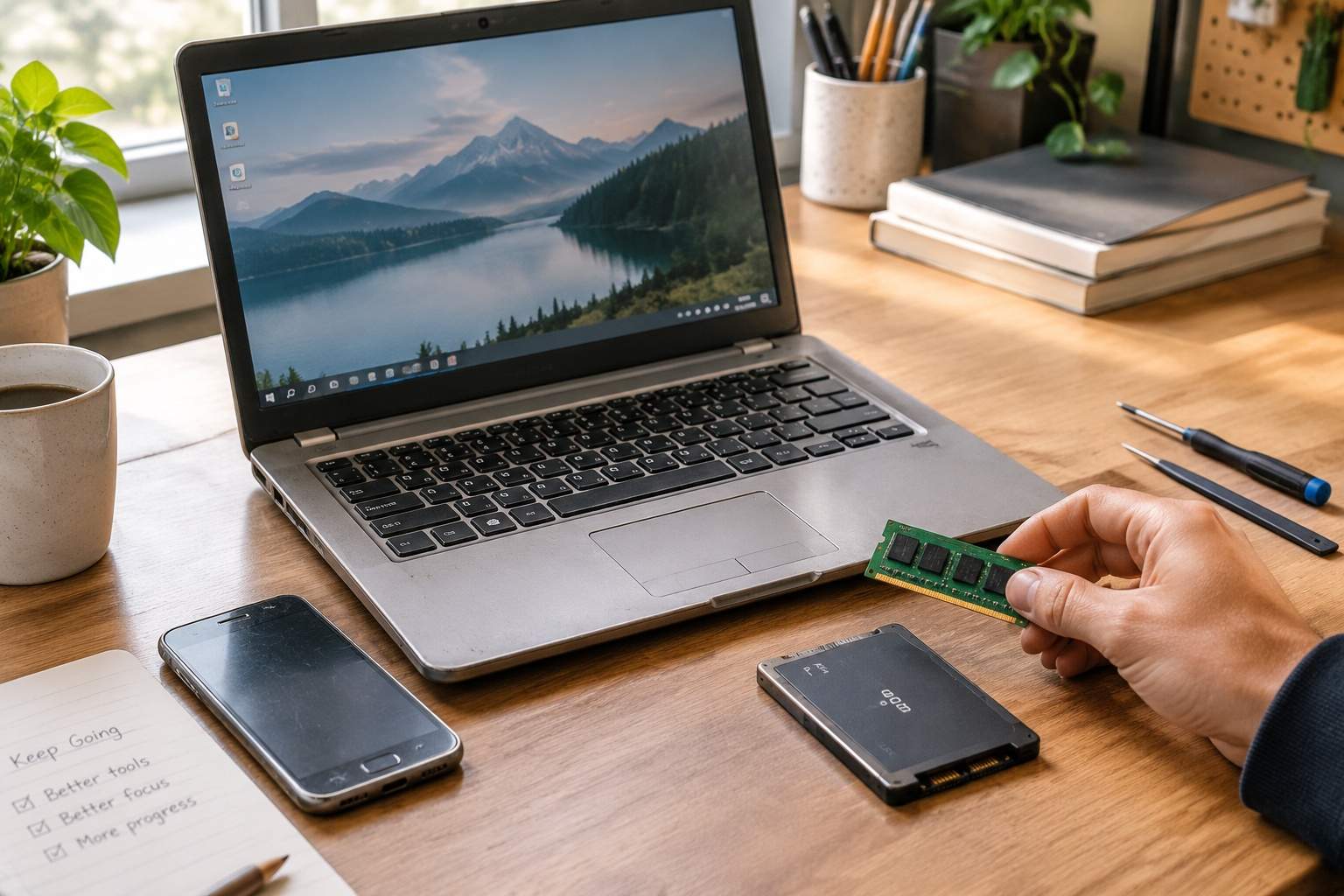

You’re scrolling laptop listings, fixated on a fancy CPU like it’s the only star of the show—then you bring it home, and it freezes mid-Excel sheet. Sound familiar? A 2024 hardware performance test found 45% of users regret prioritizing CPU power over memory and storage. Here’s the tea: A laptop with a mid-tier CPU, 16GB RAM, and an SSD will outperform a “high-end” CPU paired with 8GB RAM and a HDD every time. Why? RAM is your laptop’s “working space”—too little (read: 8GB) means it can’t handle multiple apps at once, so it lags even if the CPU is fast. And SSDs? They’re 5x faster than HDDs, so your laptop boots in 10 seconds instead of a minute. Skip the CPU flex; spend that cash on more RAM and an SSD—you’ll thank yourself when you’re juggling Slack, Chrome, and Photoshop without crashing.
“8GB RAM is plenty” is the tech myth that just won’t die—and it’s costing you. A 2023 software usage report found the average user runs 7+ apps at once (Chrome with 10+ tabs, Office, a messaging app, maybe a music stream)—that alone hogs 6GB of RAM. Throw in your operating system, and 8GB is already maxed out. You’ll notice the lag: tabs freezing, apps taking forever to open, even your mouse stuttering. 16GB isn’t “overkill”—it’s future-proofing. The same report showed laptops with 16GB RAM last 2+ years longer before feeling “outdated” compared to 8GB models. And it’s not that expensive: Most brands charge $50-$100 extra for the RAM upgrade, which is way cheaper than buying a new laptop in 18 months because your 8GB model can’t keep up.
You spend 8+ hours staring at your laptop screen—so why skimp on its quality? A 2024 user satisfaction survey found 70% of people who bought “budget” screens (low resolution, poor color) regretted it within 6 months. Here’s what matters: Resolution first—1080p is the bare minimum, but 2.5K (2560x1440) makes text sharper and videos more immersive, which cuts eye strain during long work days. Then color gamut: If you edit photos, design, or even just watch movies, a screen with 100% sRGB coverage shows colors accurately—cheap screens wash out hues, making your work look off or your favorite show feel dull. Brightness matters too: 300 nits or higher lets you use the laptop outdoors without squinting. A good screen isn’t a “luxury”—it’s an investment in your eyes and your productivity.
You buy a sleek laptop, unbox it, and realize it only has one USB-C port. Cue the panic: How do you plug in your external hard drive, charger, and HDMI cable at the same time? A 2023 user behavior study found 60% of laptop owners end up buying a $30-$50 USB-C hub within 3 months because they skimped on ports. Don’t let that be you. Check the specs before buying: Look for at least two USB-C/Thunderbolt ports (one for charging, one for accessories), an HDMI port (no more adapters for monitors or TVs), and an SD card slot if you take photos or use cameras. Yes, slim laptops are cute—but not when you’re tangled in adapters just to transfer a file. Prioritize ports now, and you’ll avoid the hassle (and extra cost) later.
You never think about heat dissipation —until your laptop sounds like a jet engine and slows down during a Zoom call. A 2024 laptop review analysis found 35% of budget laptops have poor heat dissipation,which makes their CPUs “throttle” (slow down) to avoid overheating. That means even if you bought a fast CPU, it’ll perform like a budget one when you need it most (think: editing videos, gaming, or running big spreadsheets). Worse, bad heat dissipation shortens your laptop’s life—heat damages internal components over time. How to avoid it? Read reviews: Look for tests that measure heat and noise—if a laptop hits 100°F (38°C) on the bottom or makes 60+ decibels (as loud as a vacuum) under load, skip it. If you’re a heavy user, grab a $20 cooling pad—it lifts the laptop and blows air, keeping temps down and performance up.
Don’t let shiny specs or “deal” prices trick you into a laptop that’ll frustrate you in 6 months. Make a checklist: 16GB RAM minimum, SSD storage, a 2.5K 100% sRGB screen, enough ports, and solid heat dissipation (check reviews!). Ignore the urge to fixate on CPU numbers—those other features will make way more difference in your daily use. A laptop that’s built for how you work (not just what’s trendy) will last longer, save you from upgrades, and keep you from yelling at a frozen screen. That’s not just a good buy—that’s a smart one.
Disclaimer: Mention of any brand or trademark is for identification only and does not imply partnership or endorsement