You stare at the Windows loading circle for what feels like an hour, then wait another 5 minutes for Chrome to open—this isn’t “old computer charm”; it’s your HDD holding you hostage. A 2024 hardware performance report found swapping an HDD for an SSD cuts boot time by 75% on average: from 60+ seconds to 12-15 seconds. Apps like Excel or photo editors load in half the time, and even opening 20 browser tabs stops feeling like a game of “will it crash?” SSDs have no moving parts, so they’re not just faster—they’re more durable too. The best part? A 512GB SSD costs $40-$60, which is less than a week of takeout. This isn’t a “small upgrade”—it’s giving your computer a caffeine shot that lasts for years.
If your computer freezes when you have 5 tabs open plus a Google Doc, blame your RAM, not “old age.” RAM (the “short-term memory” of your PC) is what lets you jump between apps without lag—and if it’s full, your computer panics and uses your hard drive as a backup (aka “virtual memory”). A 2023 user experience study found that computers with 4GB of RAM (common in older models) crash 3x more during multitasking than those with 8GB. Checking if you need more RAM is easy: Open Task Manager (Windows) or Activity Monitor (macOS) and look at the “Memory” tab—if it’s consistently 80%+ full when you work, you need an upgrade. Adding 8GB of RAM costs $30-$50, and it turns “I can’t have Spotify open while I work” into “I can run 3 apps at once and still scroll TikTok.” Virtual memory is just your HDD playing pretend—and like asking a barista to fix your bike, it’s not good at the job.
Figuring out whether to upgrade RAM or SSD first doesn’t require a tech degree—just a 2-minute check. Start with your RAM: If you open Task Manager and see memory usage spiking to 90% when you do basic tasks (browsing, typing), RAM is your fix. If memory stays low but your computer still lags (especially when opening files or booting), your HDD is the villain—SSD all the way. A 2024 consumer tech survey found 80% of slow old computers only need one upgrade, not both: SSD for “waiting around” lag, RAM for “freezing mid-task” lag. Don’t waste money on both unless you’re a heavy user (think video editing or gaming)—most people just need that SSD kick to feel like they have a new PC.
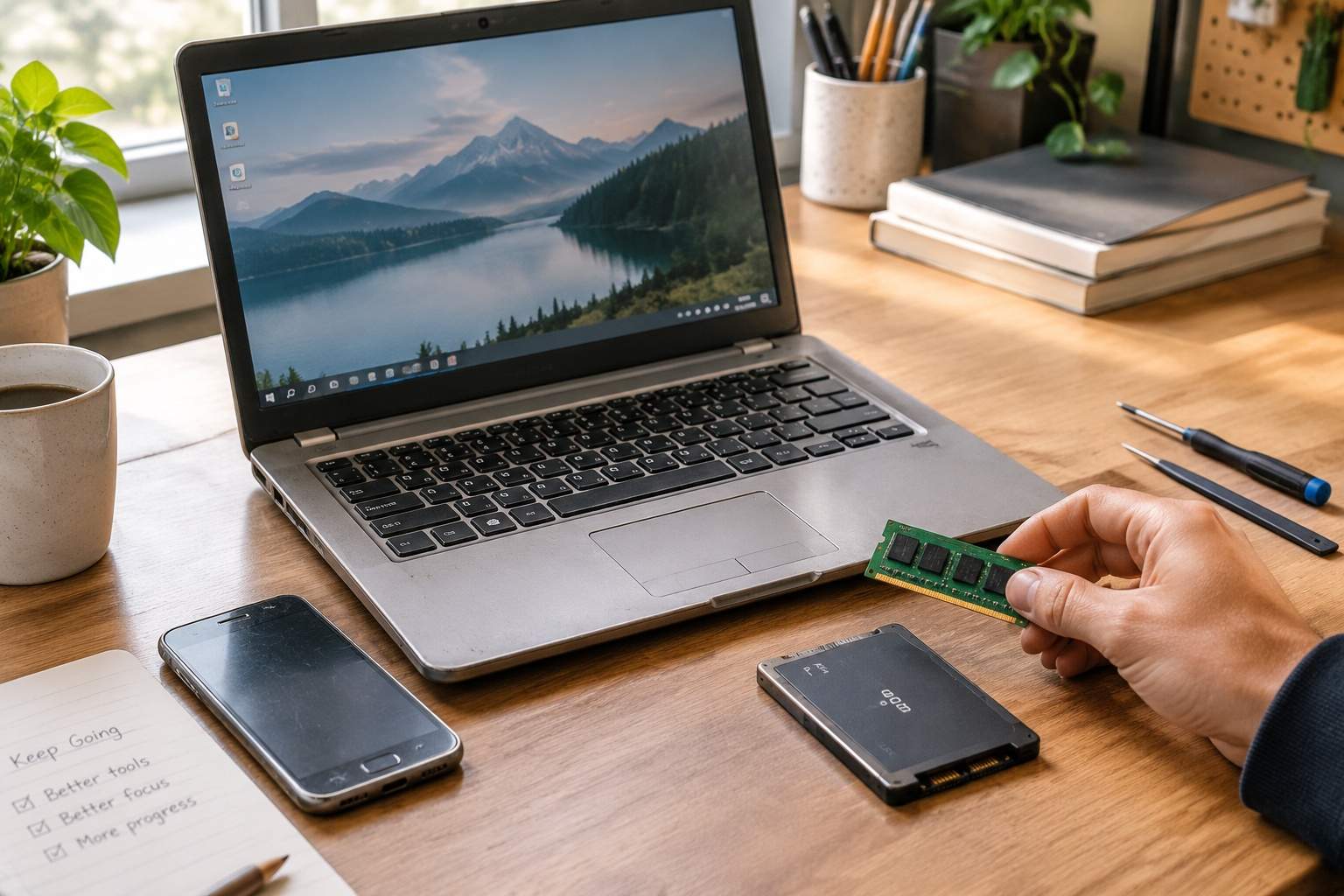
Buying the wrong SSD or RAM is like buying shoes two sizes too small—annoying, expensive, and totally avoidable. Compatibility is key: For RAM, check your computer’s model number (usually on a sticker or in system settings) to see if it uses DDR4, DDR5, or older DDR3—mixing types won’t work. For SSDs, older laptops/desktops use 2.5-inch SATA SSDs (they slot right where your HDD was), while newer ones might take M.2 SSDs (small stick-like drives). Most manufacturers have free online tools to check what works with your model—use them. A 2023 product return report found 35% of upgrade returns are from people who skipped compatibility checks, so don’t be that person. Spend 5 minutes researching, and you’ll save hours of frustration (and a trip to the return store).
Dropping $800 on a new computer when a $100 upgrade fixes your issues is like buying a new car because your tires are flat—overkill, and a waste of cash. A 2024 sustainability study found upgrading an old computer with an SSD and/or RAM extends its life by 2-3 years, cutting e-waste by 40% compared to buying new. Think about it: $60 for an SSD + $40 for RAM = $100 total, vs. $800+ for a basic new laptop. Even if your computer is 4-5 years old, that upgrade will make it feel faster than the day you bought it. This isn’t about “settling” for an old PC—it’s about outsmarting the “buy new” hype and getting more value from what you already own.
Disclaimer: Mention of any brand or trademark is for identification only and does not imply partnership or endorsement