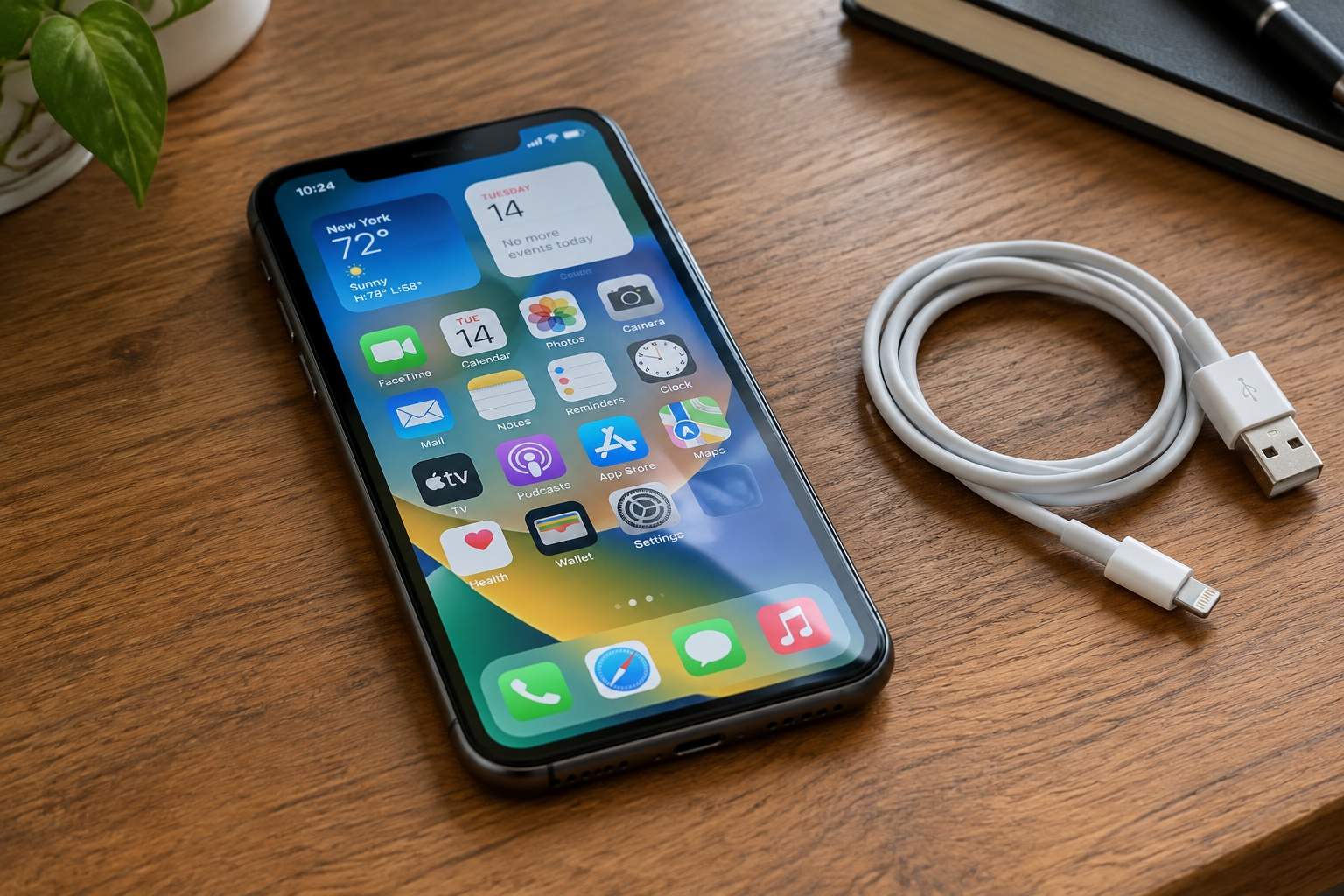

You glance at your phone, see 30% battery left, and think “I’ve got time”—then 10 minutes later, it dies mid-text. Sound like a regular vibe? A 2024 battery research report found 62% of users say their phone’s battery “lies” about remaining charge, but the real issue is misunderstanding the data your phone already gives you. Let’s start with “battery health”: that percentage in your settings (usually under Battery > Battery Health) isn’t just a random number—it’s how much capacity your battery has left compared to when it was new. If it’s below 80%, your battery can only hold 80% of its original charge, so 30% on-screen is actually 24% of the original capacity. No wonder it dies fast! Most phones will alert you when health drops below 80%, but you should check it monthly—catching it early lets you replace the battery (for $30-$80) instead of buying a new phone.
Your “Screen Time” report isn’t just for shaming yourself about social media—it’s a treasure map to your battery killers. Most users only look at total screen time, but dive into the “Battery” tab (usually under Settings > Battery) and you’ll see exactly which apps are sucking power. A 2023 user behavior study found social media and navigation apps top the list—they use 40% of battery on average, thanks to constant background refresh and location tracking. Here’s the tea: If an app says “Background Usage” is higher than “Foreground Usage,” it’s wasting power when you’re not even using it. For example, that food delivery app you opened once? It might be refreshing menus in the background 24/7. Fix it by turning off “Background App Refresh” for non-essential apps—this alone can add 1.5 hours of battery life, per a 2024 tech test.
Location services are the silent battery drainers you didn’t know you had. Ever wondered why your phone dies fast after a road trip? Even if you close the navigation app, it might still be tracking your location “always” instead of “only when in use.” A 2023 GPS study found apps set to “Always Allow” location use 25% more battery than those set to “While Using the App.” Go to your settings, check each app’s location permissions, and ask: “Does this app really need to know where I am 24/7?” The answer is almost always no—only navigation, ride-sharing, and fitness apps need constant access. For everything else (social media, shopping), switch to “While Using the App” or “Never.” Your battery will thank you, and you’ll have more privacy too.
Low Power Mode is a band-aid, not a solution—and it makes your phone feel sluggish. Instead, tweak settings that don’t ruin your experience. Start with screen brightness: Most users keep it at 100% by default, but a 2024 display study found 50% brightness is bright enough for indoors and cuts screen-related battery use by 30%. Turn on “Auto-Brightness” so it adjusts to light—no more squinting in sunlight or wasting power in dark rooms. Next, turn off “Raise to Wake” if you don’t use it—this feature wakes your screen every time you pick up your phone, which adds up to hours of unnecessary power use. Finally, switch to Wi-Fi instead of cellular data when possible—streaming music or browsing on Wi-Fi uses 40% less battery than 5G. These tweaks are tiny, but they add up to an all-day battery without making your phone feel “dumbed down.”
Stop letting your phone’s battery dictate your day—use its own data to fight back. Check your battery health monthly, hunt down background battery killers in the Battery tab, fix location permissions, and tweak brightness/connectivity settings. None of this requires sacrificing the features you love—you’ll still scroll social media, use navigation, and take photos, but your phone will last longer. A 2024 user survey found people who use these tricks add 2-3 hours of battery life daily—and avoid the panic of a dead phone at the worst time. Your phone is supposed to work for you, not the other way around. Use these hacks, and you’ll never have to rush for a charger again.
Disclaimer: Mention of any brand or trademark is for identification only and does not imply partnership or endorsement