


You've just shelled out for a blazing-fast gigabit fiber plan, or perhaps you splurged on the latest Wi-Fi 7 beast of a router. Yet, that video call still stutters like a broken record in the kitchen, online games frustratingly lag in the bedroom, and your smart lights blink offline in the basement. You’re paying for speed, but experiencing endless buffering and dead zones, leaving you to wonder if the internet company is having a laugh. Welcome to the club.
The chronic frustration is real. It's that moment your productivity screeches to a halt mid-work video call because your connection drops, or family movie night descends into a pixelated nightmare. We're bombarded with marketing promising "gigabit speeds" and "whole-home coverage," but the reality for many is a patchwork of Wi-Fi brilliance and abysmal black holes. The truth is, your "fast internet" might be lying to you, not because your ISP is always ripping you off, but because we often miss the bigger picture of home network design.
Many believe a slow internet connection is solely the ISP's fault, or that simply buying a pricier, "faster" router will magically banish all network woes. This is where your efficiency mentor steps in. While a powerful router and a speedy internet plan are foundational, they're only part of the puzzle. Often, the true bottleneck isn't the raw power entering your home, but a fundamental misunderstanding or neglect of proper home network design, placement, and configuration.
Let's talk physics, not marketing. Your Wi-Fi signals are like sound waves; they struggle with obstacles. A common culprit for dead zones? Concrete walls, reinforced steel, even water pipes. A single concrete wall can slash Wi-Fi signal strength by 30-50%, turning your "blazing fast" signal into a weak whisper. Imagine trying to chat across a busy highway; that's your router trying to reach your smart thermostat in the basement through two floors of building materials.
Then there's the invisible rumble of interference. Your neighbor's Wi-Fi, your microwave oven, cordless phones, even Bluetooth devices – they all emit signals on similar frequencies, turning your home into a digital battleground. A crowded Wi-Fi channel is like a multi-lane highway reduced to a single clogged lane. Surveys show that in urban areas, over 60% of home Wi-Fi networks suffer significant performance degradation due to overlapping channels and signal congestion. This isn't about your router's speed; it's about its ability to cut through the noise.
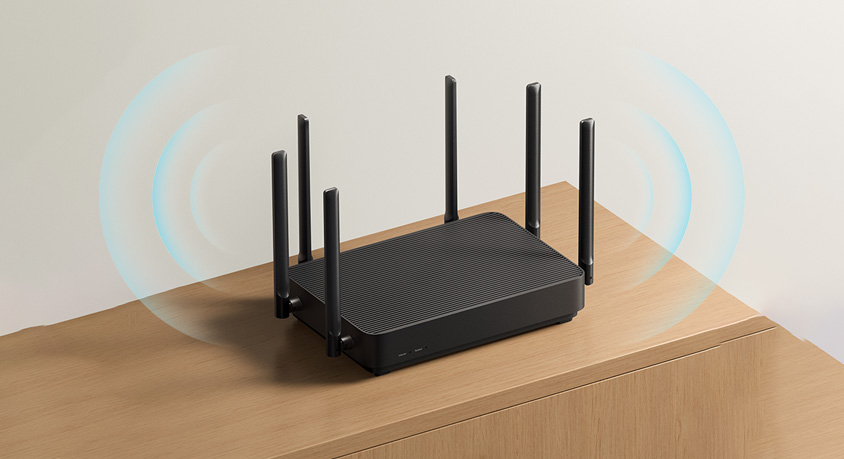
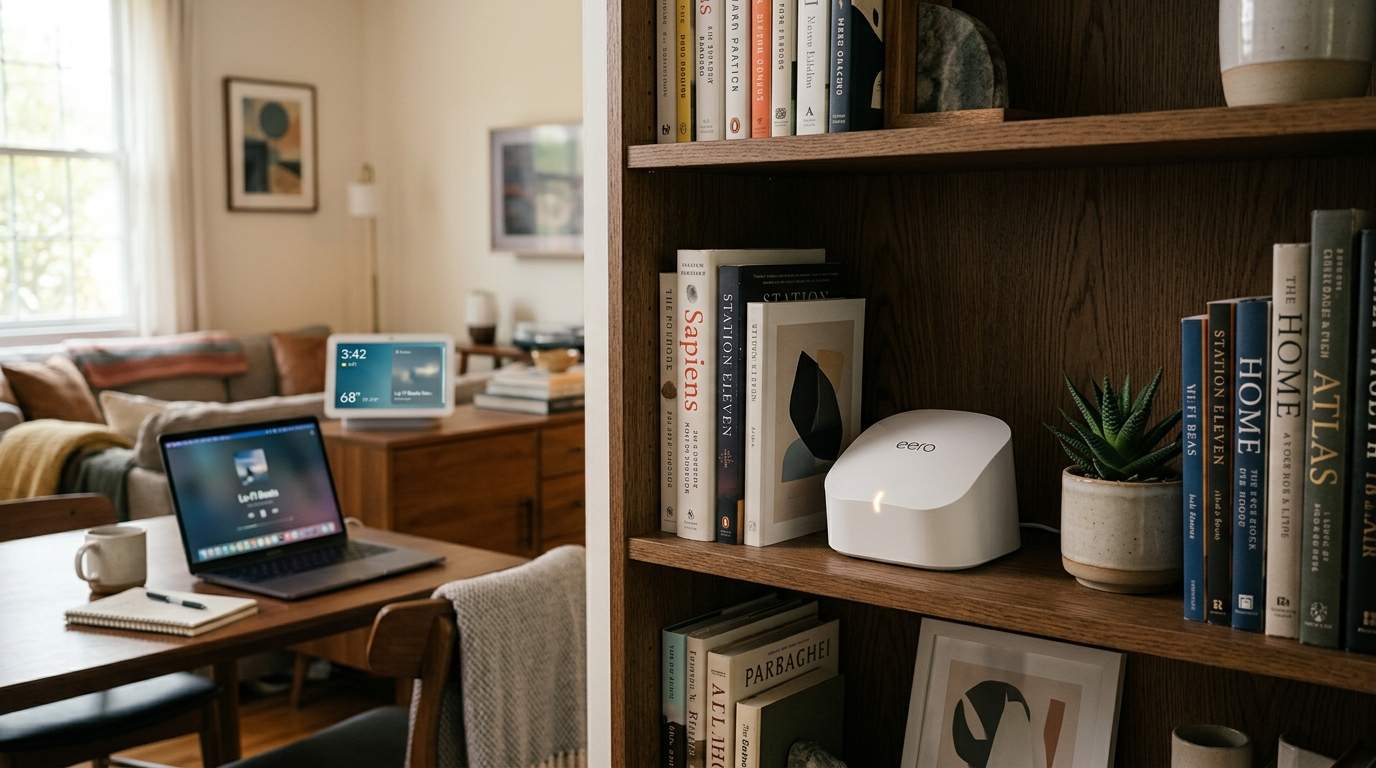
Your router's location is paramount. Burying it in a cabinet, corner, or behind a TV is a common mistake. Think of your router as a lightbulb: it illuminates outwards. For optimal coverage, it needs to be centrally located, elevated (away from the floor), and free from obstructions. Placing a high-speed router in a far corner of a 2,000 sq ft home guarantees dead zones in the opposite corner, regardless of its fancy specs. A single powerful router might be a champion in a studio apartment, but in a multi-story house, it's a one-man band trying to fill an arena.
This is where a Mesh Wi-Fi system truly shines. Instead of one central router doing all the heavy lifting, a mesh system uses multiple "nodes" spread throughout your home, creating a unified, robust network. For a large home (over 1,500 sq ft) or one with challenging layouts (L-shaped, multiple floors), a mesh system can turn those frustrating dead zones into productive work areas. Imagine smooth 4K streaming even in your backyard office. The trade-off? Initial cost can be higher, and setup might involve a few more steps than a single router, but the quality of life improvement is tangible.
However, even mesh systems have a secret weapon: the Ethernet backhaul. While mesh nodes communicate wirelessly, connecting them via Ethernet cables (the "backhaul") delivers unparalleled stability and speed between nodes. This is crucial for maintaining gigabit speeds across your entire home. For instance, you could be getting 500 Mbps wirelessly to your mesh node, but if that node is only talking to the main router at 50 Mbps over a weak wireless link, your actual experience will be capped. Wired backhaul ensures the full potential of your fast internet reaches every corner.
Sometimes, a dedicated Wireless Access Point (AP) is the answer, particularly for expanding a network into a detached garage or a specific wing of an office. Unlike a simple Wi-Fi extender (which often just amplifies a weak signal, introducing latency), an AP creates a new, strong Wi-Fi signal, leveraging an existing wired connection. This is the difference between shouting louder (extender) and installing a new, dedicated speaker (AP).
Small tweaks can also yield big returns. Checking your router's settings to ensure it's on the least congested Wi-Fi channel can significantly boost performance, especially in crowded apartments. Simple network management apps often provide this insight. For specific devices, Quality of Service (QoS) settings can prioritize traffic – ensuring your work video call gets precedence over your kids' game downloads.
Ultimately, your home Wi-Fi isn't just about the speed dial from your ISP or the number of antennas on your router. It's a symphony of placement, signal management, and smart architecture. As your efficiency mentor, my advice is to stop chasing raw speed numbers and start understanding your home's unique network landscape. A little planning and strategic investment in the right system, not just a faster box, can transform your digital life, letting technology truly serve you, not frustrate you.
Disclaimer: Mention of any brand or trademark is for identification only and does not imply partnership or endorsement