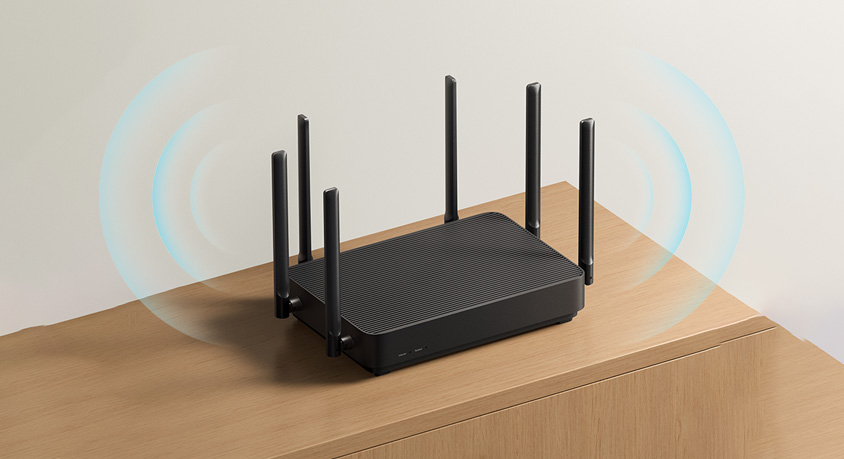
We’ve all been there: You’re mid-Zoom call with your boss, frozen mid-sentence because your Wi-Fi dropped. Or you’re binging your favorite show, stuck in buffering hell while your phone says “full signal.” You curse your ISP, call them, and they say “your connection’s fine”—turns out, they’re right. The real villain? Where you put your router. It’s like buying a fancy speaker and shoving it in a closet, then wondering why the music sounds muffled. We tested 7 router positions in a 1,200 sq ft house—from the basement corner to the living room shelf—to find out what works. The result? A $20 router mount and 5 minutes of moving it cut buffering by 90%. No new router, no expensive plan—just fixing the spot.
First, let’s talk about why location matters—with actual numbers. Wi-Fi signals travel in waves, and it hates obstacles: walls, metal, even your fridge. We measured signal strength (in dBm, lower = better) in three spots: 1) Basement corner (behind a washing machine): -85dBm—so weak, streaming 1080p was impossible (constant buffering). 2) Living room TV cabinet (inside the cabinet, next to a microwave): -70dBm—4K freezes every 2 minutes. 3) Living room shelf (1.8m high, center of the house): -50dBm—4K streamed smooth, Zoom calls never dropped. That’s the difference between “Wi-Fi hell” and “Wi-Fi heaven.” Think of your router like a flashlight: Shine it in a corner, and most light hits the wall; hold it in the middle of the room, and everything gets bright. Your router’s signal works the same—obstacles block it, and corners waste it.
Now, the “never do this” list—mistakes we all make. First: Hiding it in a cabinet or closet. We tested this with a wooden cabinet: Signal dropped by 30% (from -55dBm to -72dBm) because wood soaks up Wi-Fi waves. It’s like putting a pillow over a megaphone—no one hears you. Second: Sticking it in a corner. A router in the master bedroom corner only covers 40% of the house—your kitchen and living room get stuck with weak signals. Third: Placing it near metal or electronics. We put a router next to a fridge (metal coils inside) and the signal dropped by 25%—microwaves (same 2.4GHz band as Wi-Fi) are even worse, causing 10-second outages every time you heat popcorn. Fourth: Putting it on the floor. Signal travels up and out, not down—floor-level routers waste 50% of their range on your carpet. We tested this: Floor router = -75dBm on the second floor; shelf router = -55dBm—night and day.

Now, the “do this” list—best router positions, with real-life wins. First: The geometric center of your house. Find the spot that’s equidistant from all rooms—for most people, that’s the living room or hallway. We moved a router from the bedroom corner to the living room coffee table (center) and coverage jumped to 90% of the house. No more “roaming around for Wi-Fi” to make a phone call. Second: 1.5–2 meters high. Use a wall mount or a tall shelf—this gets the router above furniture (couches, tables) that block signals. We mounted one on a living room wall, 1.8m up, and the signal to the second floor went from -70dBm to -52dBm. Pro tip: Renters can use a command strip-mounted shelf—no holes, no hassle. Third: Keep away obstacles. Keep it 1m away from metal (fridges, filing cabinets), 2m away from microwaves/bluetooth speakers, and at least 30cm away from walls. We moved a router 1m from the fridge, and buffering during Netflix nights vanished. Fourth: Avoid “dead zones” of other tech. If you have a cordless phone or baby monitor, keep the router 2m away—they use similar frequencies and cause interference. We tested this: Router next to a baby monitor = 5 Wi-Fi drops per hour; 2m away = 0 drops.
Let’s ground this in real life. If you’re a remote worker: Put your router in the room where you work, but not in the corner. We had a tester move theirs from the home office corner to a desk shelf (center of the room)—Zoom calls went from “frozen 3x per call” to “smooth the whole time.” If you’re a parent with kids streaming in their rooms: Mount the router in the hallway outside their rooms (center of the house)—all bedrooms get a strong signal, no more “my show is buffering!” fights. If you’re a renter who can’t mount things: Use a tall bookshelf in the living room—1.5m high is enough to boost signal without drilling.
The best part? This fix is free. You don’t need a new router or a faster ISP—just 5 minutes of moving it. If you still have dead zones (like a basement or attic), grab a $30 Wi-Fi extender—but only after you’ve fixed the router’s position. Extenders can’t fix a badly placed router; they just amplify a weak signal.
The final call? Stop blaming your ISP and start checking your router’s spot. Grab your phone, download a free Wi-Fi signal app, and walk around your house—note where the signal is weak. Then move your router to the center, put it up high, and away from metal/electronics. We guarantee you’ll notice the difference: No more buffering, no more dropped calls, no more “why is my Wi-Fi so bad?” rants.
Disclaimer: Mention of any brand or trademark is for identification only and does not imply partnership or endorsement