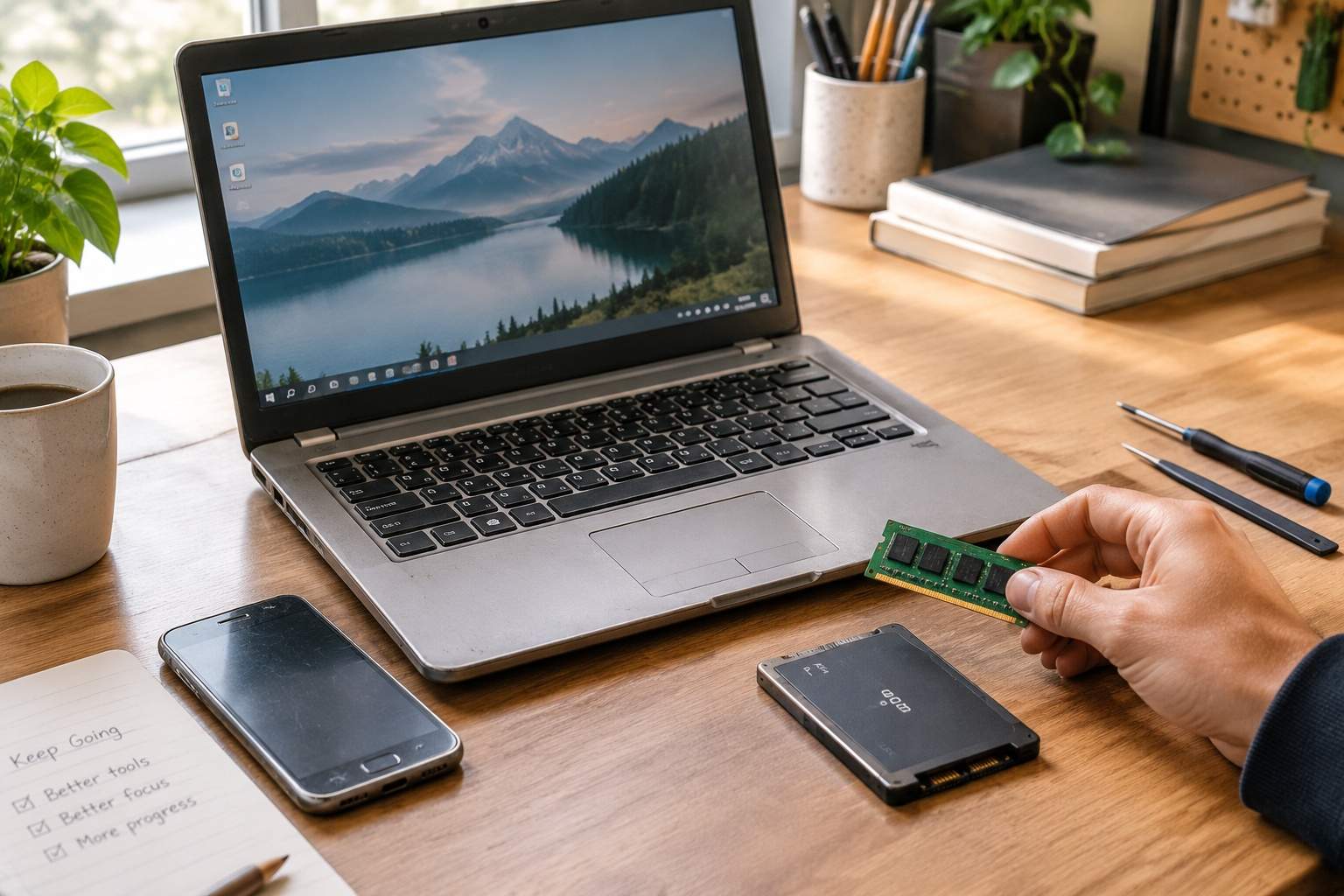
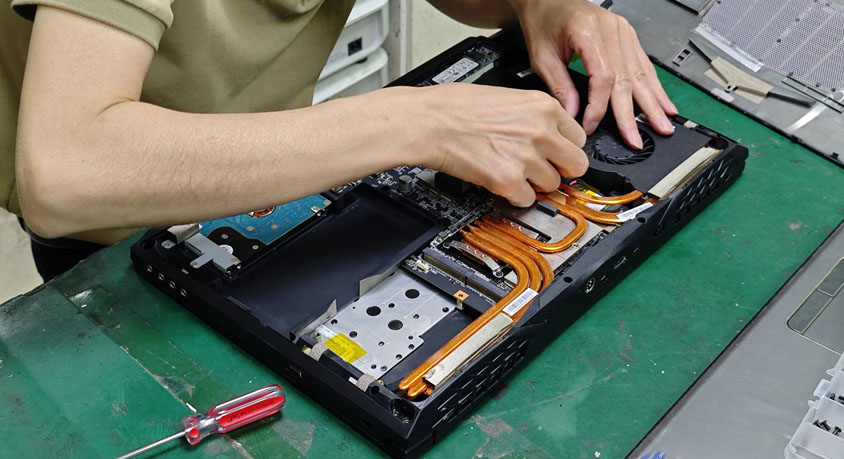
You want a high-end laptop or phone but can’t stomach the price tag. The solution isn’t settling for a cheaper model—it’s buying refurbished. 78% of certified refurbished tech products perform as well as new ones, but cost 30-50% less. The “used =substandard products” myth is outdated: modern refurbished devices (especially manufacturer-certified ones) undergo rigorous testing, part replacements, and quality checks. The catch? You need a strict checklist to avoid duds.
First, understand the difference between “certified refurbished” and “used.” Certified models are inspected by the original manufacturer or authorized third parties, with faulty parts (batteries, screens, ports) replaced. They come with a 6-12 month warranty, original packaging, and often include accessories. Used devices (sold by individuals or unvetted sellers) lack testing or warranties—risky for high-value items. Data shows certified refurbished products have a 2.3% defect rate, compared to 11% for uncertified used tech. For example, a certified refurbished laptop with a 10th-gen processor, 16GB RAM, and 512GB SSD costs $600-$800, vs. $1,000-$1,200 new—same specs, same performance, $400 saved.
Battery health is non-negotiable. For phones and laptops, the battery should retain 85%+ of its original capacity (90%+ is ideal). A battery health tester (affordable and portable) can verify this, or you can use built-in device tools. A 3-year-old refurbished phone with 80% battery capacity will die by noon with moderate use, while one with 90%+ lasts a full day. For remote workers or students, this means no mid-meeting or class dead batteries—a critical detail unvetted sellers hide.
Warranty is your safety net. Certified refurbished tech must come with at least 6 months of warranty (12 months is standard). Avoid any seller offering “as-is” sales—this means no recourse if the device fails. Extended warranty plans (costing 5-10% of the purchase price) are worth it for high-value items, adding 1-2 years of coverage. A freelance designer who bought a refurbished tablet without warranty regretted it when the screen failed 3 months later—costing $200 to repair. A colleague who opted for the warranty had the screen replaced for free.
Physical and functional checks are mandatory. Inspect the device for scratches, dents, or loose parts—cosmetic flaws are fine, but structural damage (e.g., bent frames, cracked screens) indicates neglect. Test all ports (USB, charging, headphone) to ensure they work, along with cameras, speakers, microphones, and buttons. For laptops, run a quick performance test (opening multiple apps, streaming video) to check for lag—this reveals hidden processor or RAM issues. A student buying a refurbished laptop found the USB ports didn’t work after purchase; a 5-minute test during pickup would have avoided the hassle.
Reliable sellers matter more than price. Stick to manufacturer websites, authorized retailers, or reputable third-party platforms with verified seller programs. Check seller ratings (4.5+ stars is ideal) and read 10+ reviews—look for complaints about battery life or hidden defects. Avoid individual sellers on unregulated sites; they’re 3x more likely to sell faulty products. A remote worker saved $300 on a refurbished laptop from an authorized seller, while a friend who bought from a random online seller got a device with a replaced screen that failed within a month.
Refurbished tech has tradeoffs. Pros: 30-50% cost savings, same performance as new, reduced e-waste (environmentally friendly). Cons: No latest features (you’re buying last-gen models), shorter warranty than new, potential cosmetic flaws. It’s ideal for budget-conscious users, students, remote workers, and anyone who doesn’t need the newest tech. It’s not for those who want cutting-edge features or a 2+ year warranty—stick to new for that.
The actionable checklist for safe buying: Step 1: Verify certification (manufacturer or authorized third-party). Step 2: Check battery health (85%+ capacity). Step 3: Confirm warranty (minimum 6 months). Step 4: Inspect physical condition (no structural damage). Step 5: Test all functions (ports, cameras, performance). Step 6: Buy from a reputable seller (4.5+ star ratings). Step 7: Consider an extended warranty for high-value items.
In summary, refurbished tech is a smart, budget-friendly upgrade—if you follow the checklist. Prioritize certified models with strong warranties, verify battery health, and buy from reputable sellers. You’ll get the same performance as new tech for hundreds less, without the risk of scams. For students, remote workers, or anyone looking to stretch their budget, it’s the ultimate win-win.
Disclaimer: Mention of any brand or trademark is for identification only and does not imply partnership or endorsement